
Multi-Axis Mounting Guide
Building custom multi-axis systems (XY, XYZ, Theta, or Tilt) is simple with Zaber's modular design.
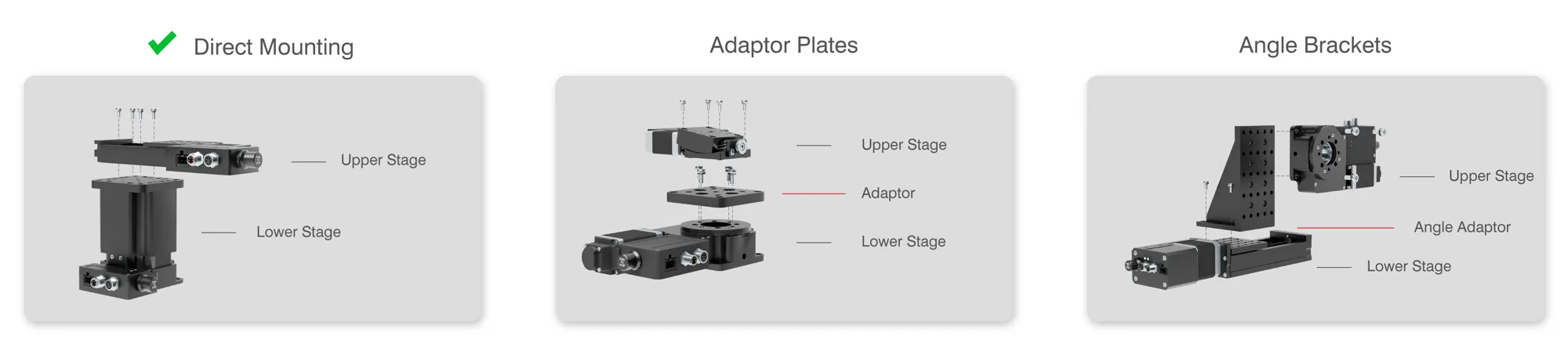
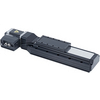
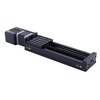
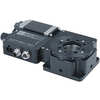
Many stage families share mounting patterns and can be screwed together directly ( ). Others may require a specific adaptor plate or angle bracket to ensure a secure connection.
How to use this guide:
- Direct Stacking: The first table shows which stages mount directly to one another and which require an adaptor plate (flat).
- Vertical Mounting: The subsequent tables list angle bracket(s) to mount stages in an L-shaped (XZ) configuration.
Can't find your configuration? Contact our Applications Team for help designing the exact system for your specific needs.


Have a Question?
Standard
Vacuum
The combination of Family ( All) and Accessory ( AP101) does not yield any compatible mounting configurations.