Virtual Device
Try out Zaber Software & API
Overview
Programming is often a project's most complex part. That's why we focus on making the software and API for controlling our devices as intuitive as possible. A key part of this approach is our Virtual Device tool. It allows you to test a subset of our software and API to confirm compatibility, lower technical risks, and estimate project costs more accurately -- all before buying hardware.

Test software compatibility and reduce possible technical risks before purchase. You can verify that the software and API meet your needs and provide more accurate time estimates.

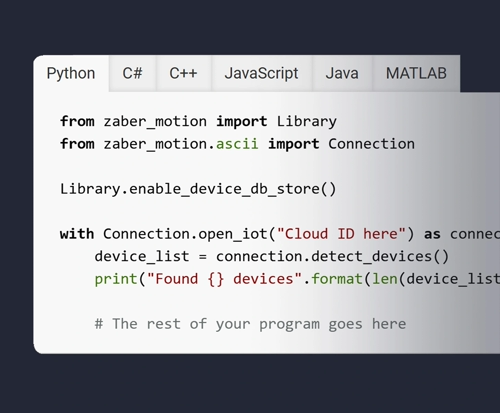
If you've already decided to buy Zaber products, you can start implementing your own control software even before placing the order, and test it against Virtual Devices until you receive your hardware shipment.

Test software updates on Zaber devices even after they are integrated into a larger system. There's no need to take your hardware apart to validate new code.
3D Viewer
This interactive, browser-based tool allows you to instantly generate and view 3D models of your selected devices. You can see how the virtual hardware responds in real-time to control buttons in our Zaber Launcher software or commands sent with our API.
Note that only integrated devices with built-in controllers are currently available as Virtual Devices.
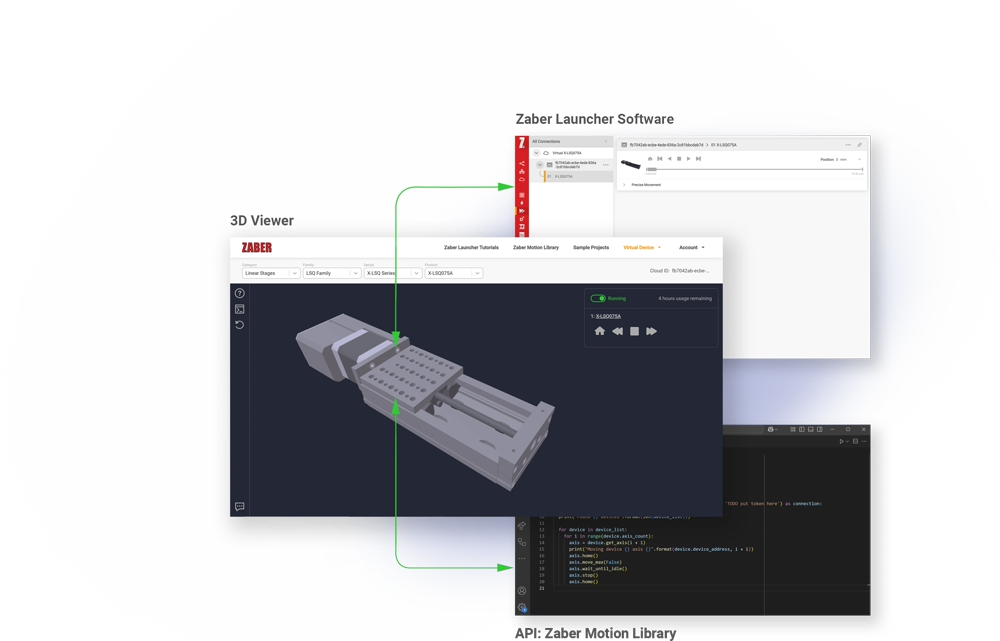
What You Can Test Right Now
Zaber Launcher Software
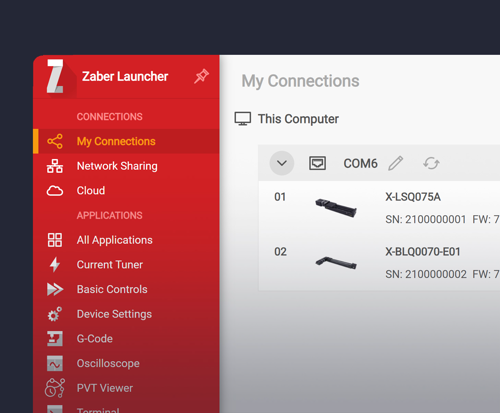
Zaber Launcher is a suite of apps for setting up, testing, and exploring Zaber devices. Try a selection of apps with a Virtual Device tool to see how easy it is to use.


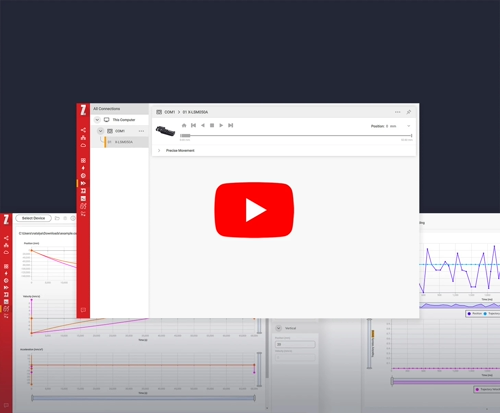
Zaber Launcher & Virtual Device Connection

Install Zaber Launcher software on your device.

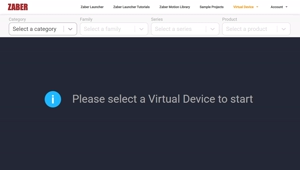
Open 3D Viewer page and select a product to simulate (Virtual Device).
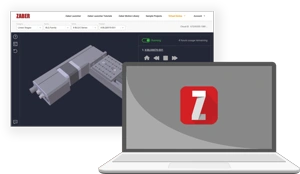
Connect Zaber Launcher on your computer to the Virtual Device in the browser.
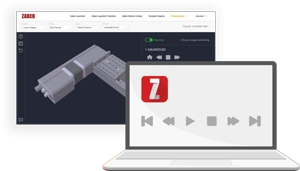
Get a feel for the software, explore features.

Have a Question?
Contact us for device selection, troubleshooting & more!
Response time promise: 1 business day