Zaber Launcher Application
Set Up and Start Moving in Minutes!
No Coding Required.


Overview
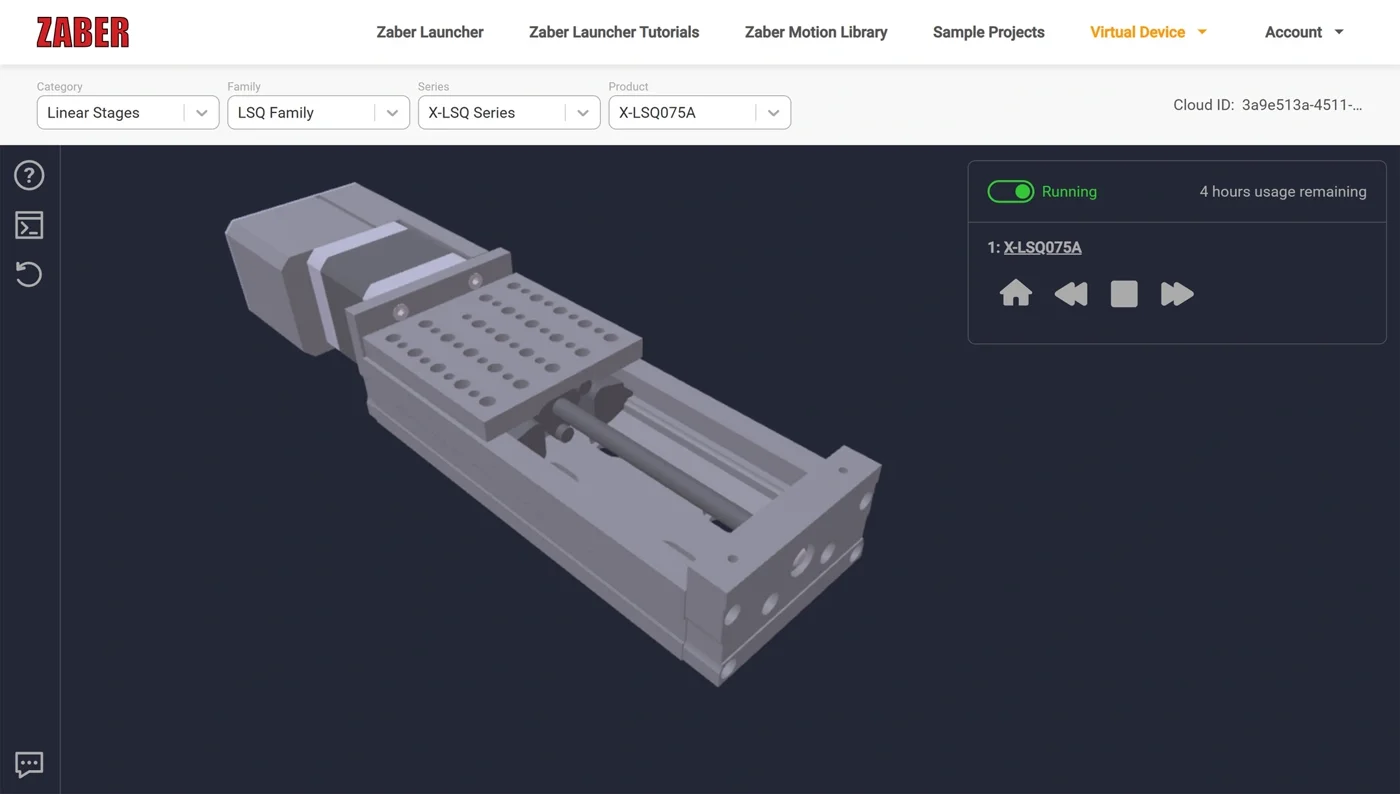
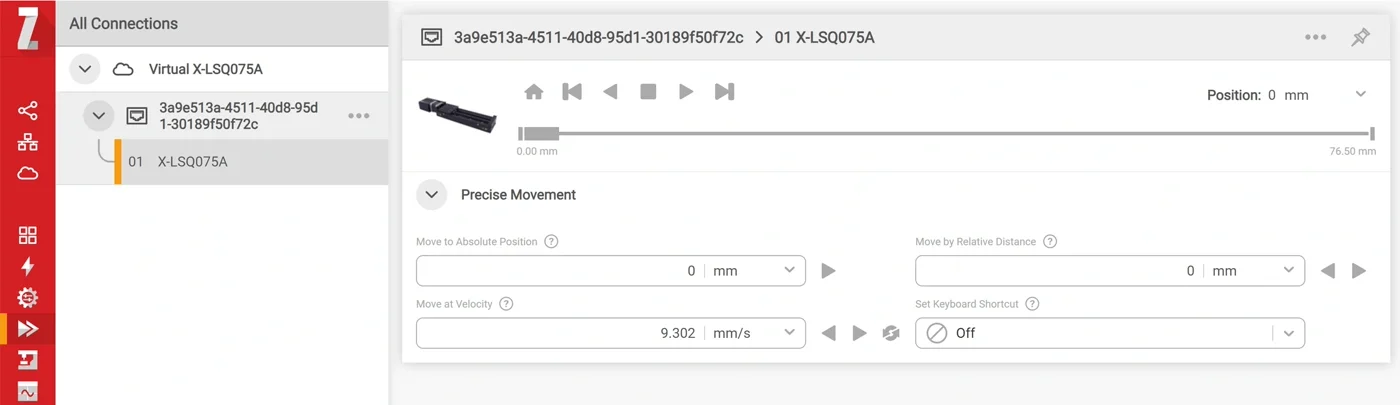
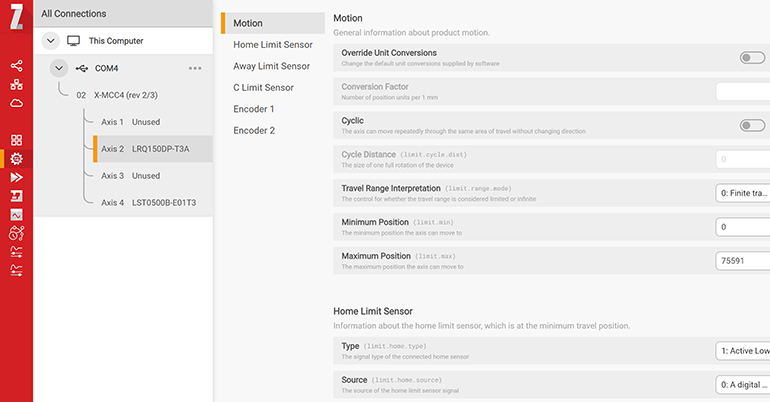
Zaber Launcher is a suite of apps for the setup, testing, and exploration of your Zaber devices. For projects involving simple movements, it may be the only tool you need. Connect to and communicate with your devices from Windows, macOS, or Linux. Explore all device capabilities and settings from a single, intuitive dashboard.
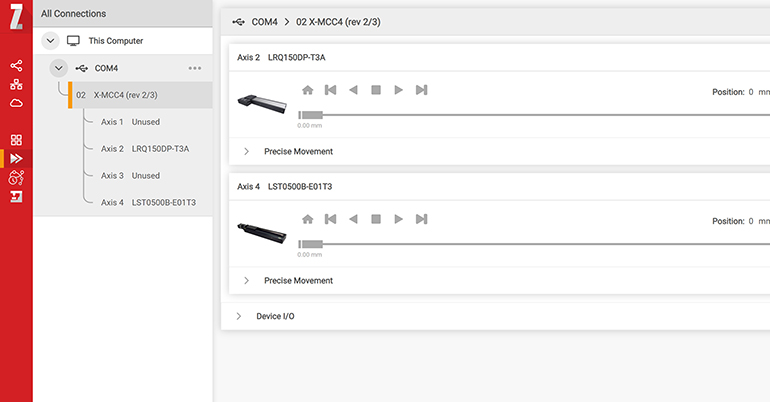
Apps for Movement
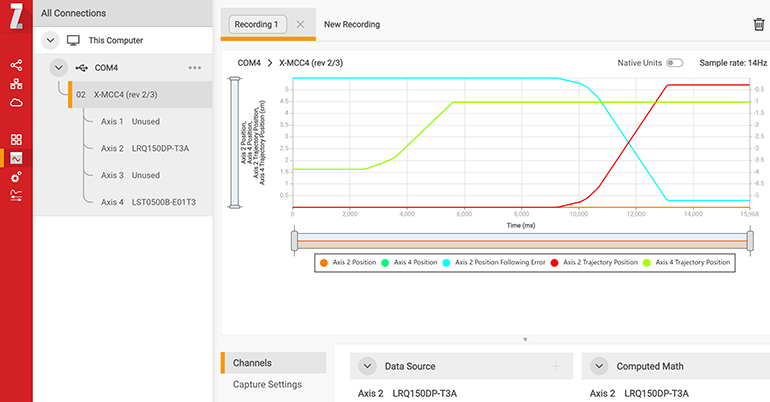
Apps for Tuning
Apps for Integration
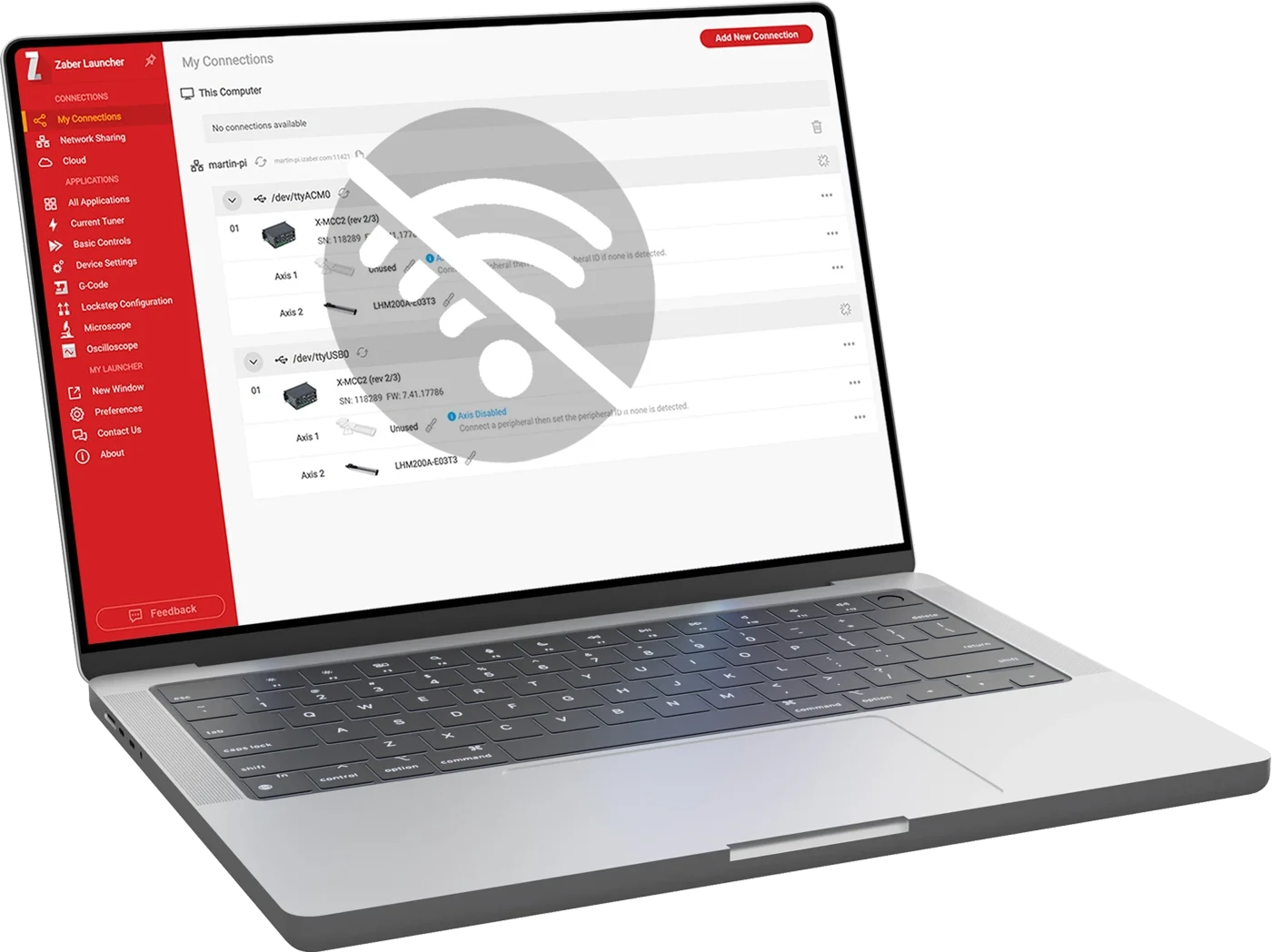
Need To Work Offline? We've Got You Covered.
Zaber Launcher is built to be fully functional in air-gapped or secure environments. The local database covers 99% of standard motion control tasks, ensuring your system is up and running immediately.
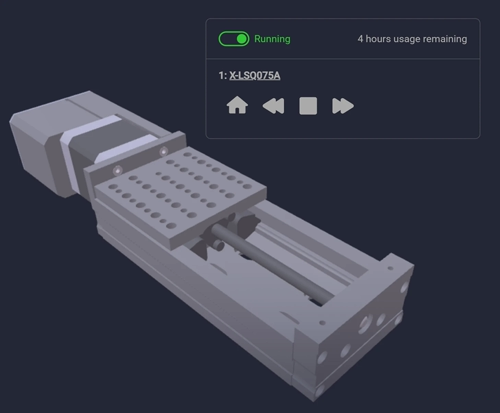
Operating offline does, however, limit access to cloud-dependent features like Virtual Device simulations, cloud connectivity, and firmware updates. Additionally, specialized tools like Current Tuner and Advanced Hardware Setup for third-party peripherals require an internet connection to access online services.
Download (for Free!)
 Windows
 macOS
macOS
 Linux ( Installation instructions)