
Automated Microscope Platform & Subsystems
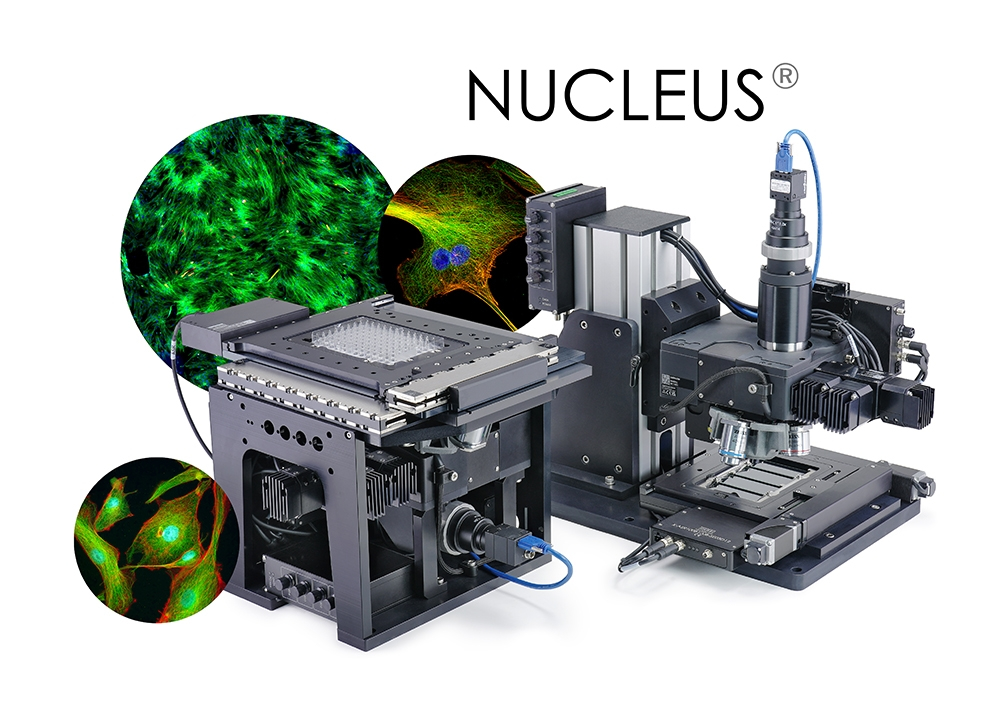
- Publication-Ready Images.
Capture clear and detailed epifluorescence, brightfield and phase contrast images using industry-standard Zeiss, Nikon, or Olympus optics. - Breakthrough Speed & Maximum Walk-Away Time.
Accurately scan 96 well plates in 3.8 seconds at 5X magnification or scan up to 6 microplates at once. - Modular Design with Online Configurator Tool.
Build your system in just a few clicks. The Nucleus online configuration tool guides you through module selection and displays pricing at each step. - Low Up-Front Cost.
Starting price for a standalone system is under $30,000. The platform's open architecture ensures no hidden costs of proprietary consumables or mandatory software licenses.
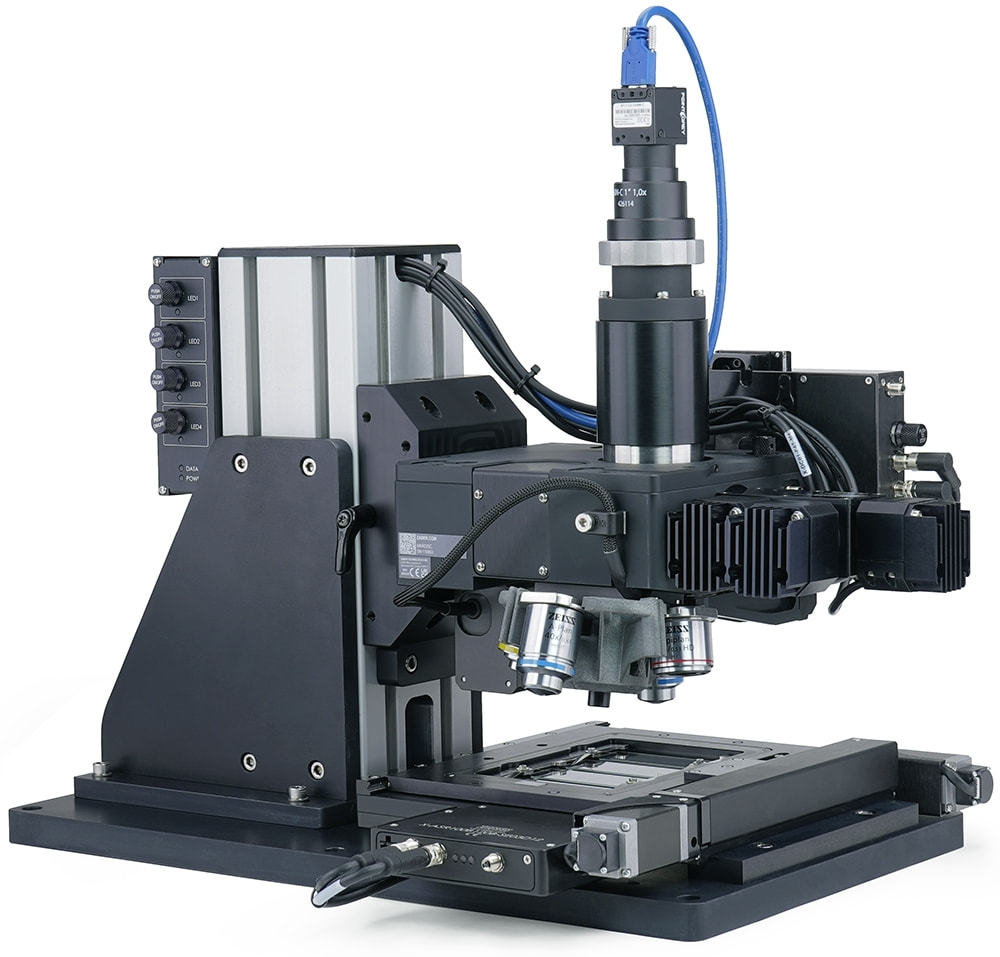
The Nucleus® microscopy platform provides a complete set of interchangeable hardware modules and software tools, making it ideal for OEMs and lab managers engaged in fluorescence cellular imaging.
For OEMs and system integrators, Nucleus reduces time-to-market by providing a single platform from prototyping to production, all while enabling the capture of clear, actionable images at the quality and speed your customers demand.
For lab managers, Nucleus can significantly improve productivity and walk-away time with its speed, industrial reliability, and affordability.
- Shorten time to market while delivering high speed, high quality systems.
- Accelerate R&D by starting with a stand-alone automated microscope.
- Seamlessly transition to a highly optimized and production-ready optical subsystem.
- Interchangeable modules with a common software interface makes reconfiguring systems for additional projects quick and easy.
- Custom modules are also available upon request.
- Customize for speed (scan a microplate in 3.8 seconds) or capacity (scan 6 microplates at once).
- Build your bespoke microscope with Zaber's online configuration tools.
- With a starting price of $30k, parallel systems multiply your productivity.
- No hidden costs of proprietary consumables or mandatory software licenses.

Have a Question?
Contact us for device selection, troubleshooting & more!
Response time promise: 1 business day
Have a Question?
Microscope Configurators
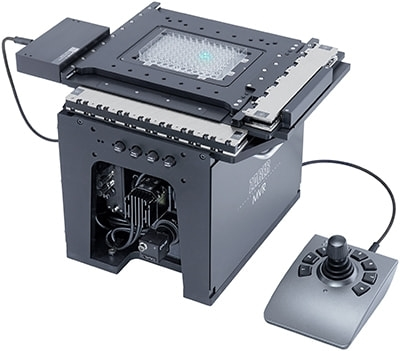
X-ADR-AE Series — Linear Motor XY Microscope Stages
Starting Price
$10,763 (USD)
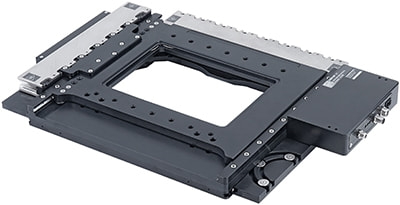
Representative Image
- 130 x 100 mm or 250 x 100 mm travel options
- 1 nm resolution linear encoders provide 5 µm accuracy, 500 nm repeatability, and 50 nm minimum incremental move
- Ultra quiet linear motors provide 750 mm/s top speed and are maintenance free
- Built-in controller saves space and simplifies cable management. Easily connect via USB and daisy chain to other Zaber products
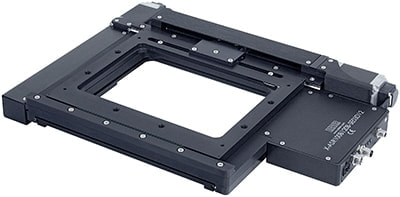
ASR Series — Motorized XY Microscope Stages
Starting Price
$5,647 (USD)
Representative Image
- 50 x 50 mm - 305 x 305 mm travel
- Built-in controller or motor-only models
- Motor encoder for slip/stall detection and automatic recovery
- Includes Nucleus microscopy modules
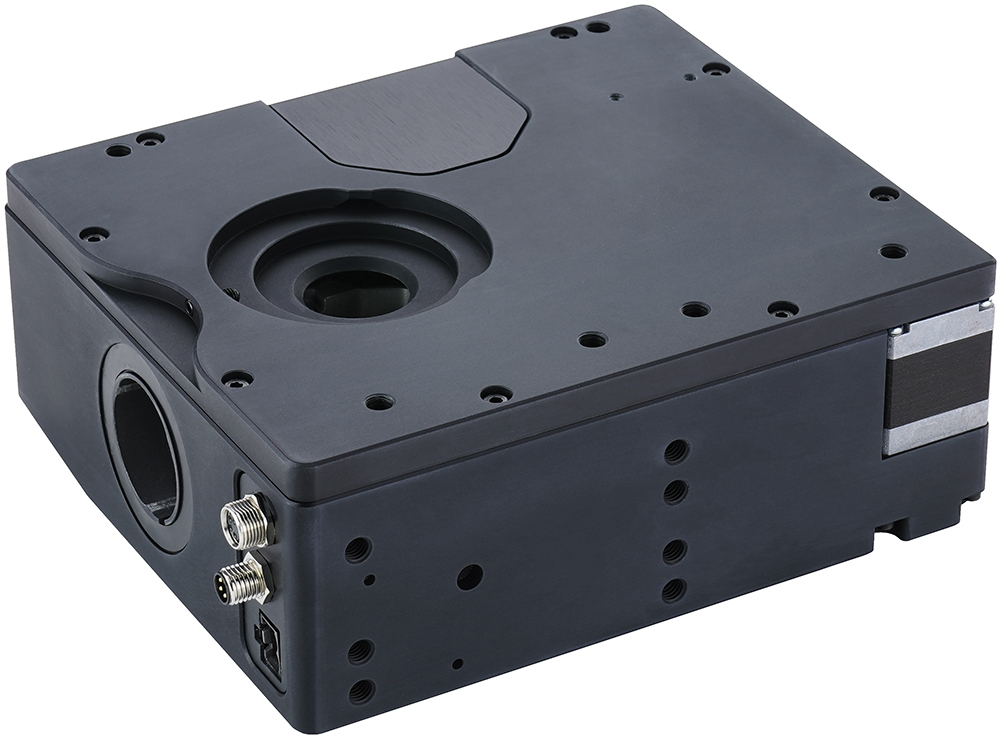
Nucleus® X-FCR filter cube turrets
Starting Price
$6,191 (USD)
Representative Image
- Holds up to 6 Zeiss push & click type filter cubes
- Motorized turret with built-in controller allows filter cube changes in 350 ms
- Daisy-chains with other Zaber devices for control through a single USB connection
- µManager support allows seamless integration of X-FCR and X-LCA4 LED controller, synchronizing cube changes and LED channel switching
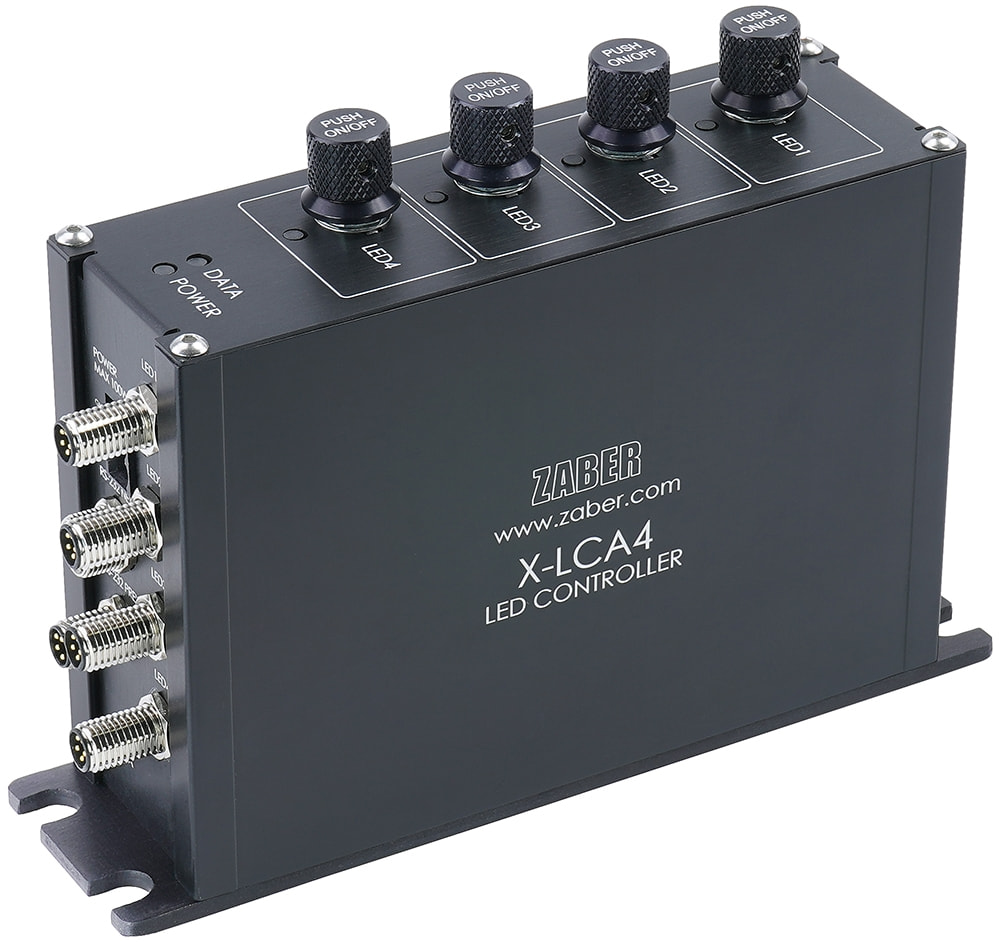
Nucleus® X-LCA4 4-channel LED controllers
Starting Price
$1,485 (USD)
Representative Image
- Drives 4 LEDs at up to 3 A per LED with extremely stable output
- Each LED channel can be controlled independently through a USB connection that can be daisy chained with any Zaber X-Series devices
- LED functions can be controlled via Zaber Launcher or µManager open source microscopy software
- 4 TTL-compatible digital inputs and 2 TTL-compatible digital outputs allow low latency, independent on/off control of all 4 channels
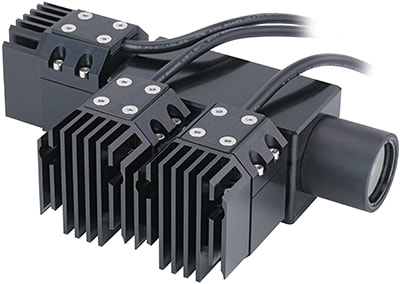
Nucleus® MLR reflected light Illuminators
Starting Price
$3,495 (USD)
Representative Image
- 3 LED lamp channels, with customizable lamp combinations
- Provides excitation for common fluorophores including DAPI, GFP, Cy3, FITC, TRITC, TxRed, Cy5 (MLR3B)
- µManager controllable intensity and shutter
- Manual control knobs on X-LCA4 controller allow for quick manual adjustment in addition to computer control
Nucleus® MKR fluorescence microscope cores
Starting Price
$14,229 (USD)
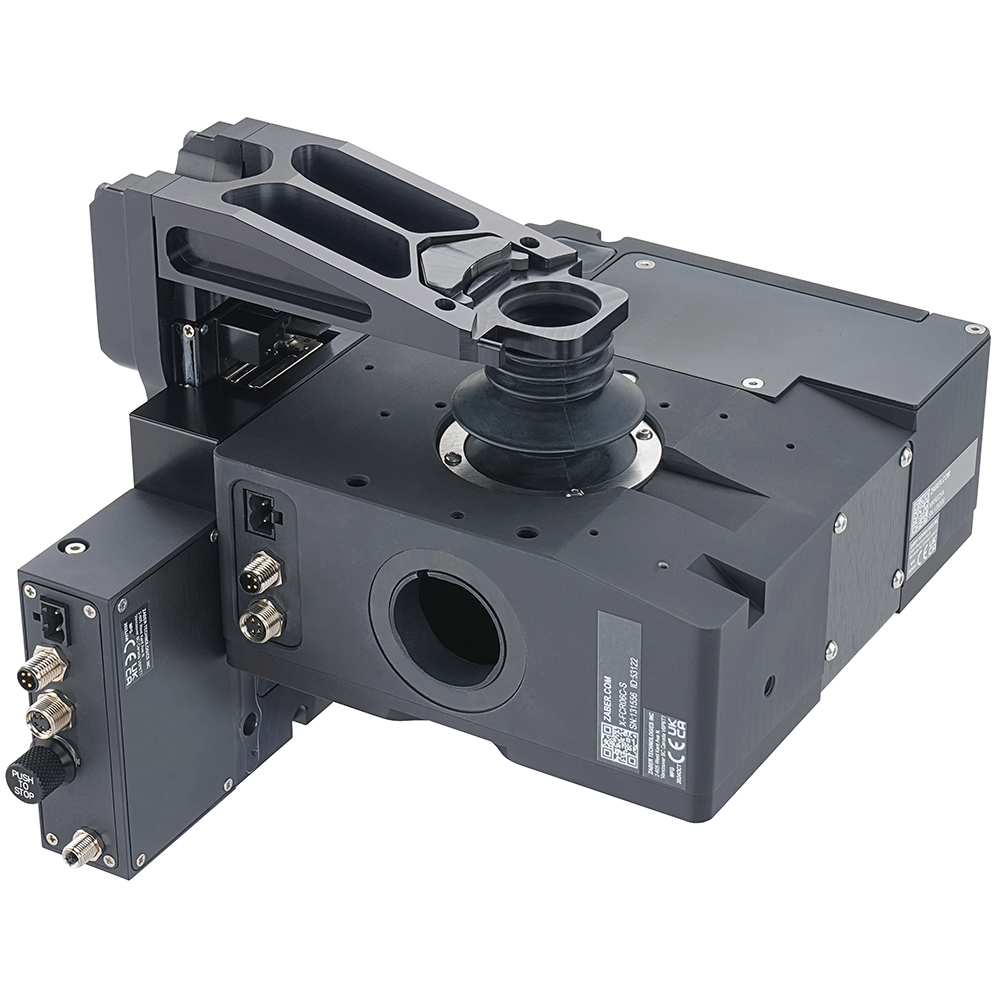
Representative Image
- Modular microscope core includes X-FCR motorized filter cube turret and X-LDA linear motor focus stage
- Innovative magnetic quick-change objective system allows the objective to be changed in seconds and supports any objective thread
- Filter cube turret accepts six Zeiss "push & click" style filter cubes
- Optional MJB junction block (sold separately) provides an additional optical path that joins the main optical path between the objective lens and the filter cube
Nucleus® MLT transmitted light illuminators
Starting Price
$3,150 (USD)
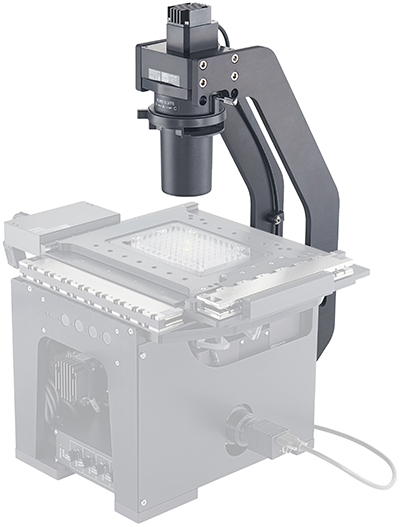
Representative Image
- Single high intensity white LED lamp provides broad spectrum illumination
- Includes long working distance condenser with adjustable aperture stop
- Allows brightfield and phase contrast observation modes
- µManager controllable intensity and shutter
Nucleus® X-MOR-E objective turrets
Starting Price
$4,199 (USD)
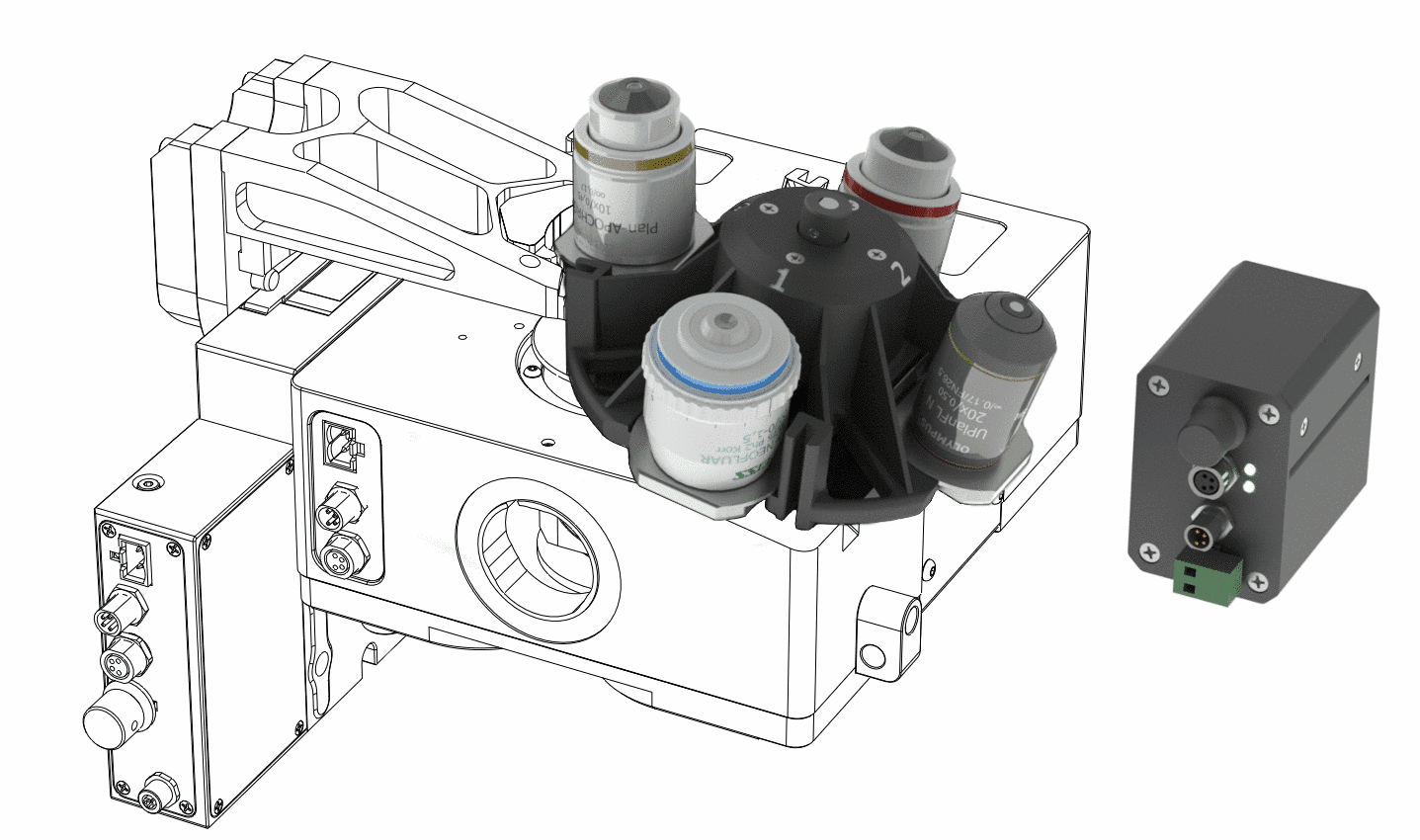
Representative Image
- High-speed focus achieved by moving a single objective rather than the whole turret
- Highly repeatable and secure magnetic alignment delivers consistent results in demanding high-content screening applications
- Holds 4 objectives (Zeiss ICS, Nikon CFI60, Olympus)
- Select the X-MOR-E in our Microscope Configurator to price and order a complete microscope
Nucleus® HL04 Laser Autofocus Sensor
Starting Price
$9,078 (USD)
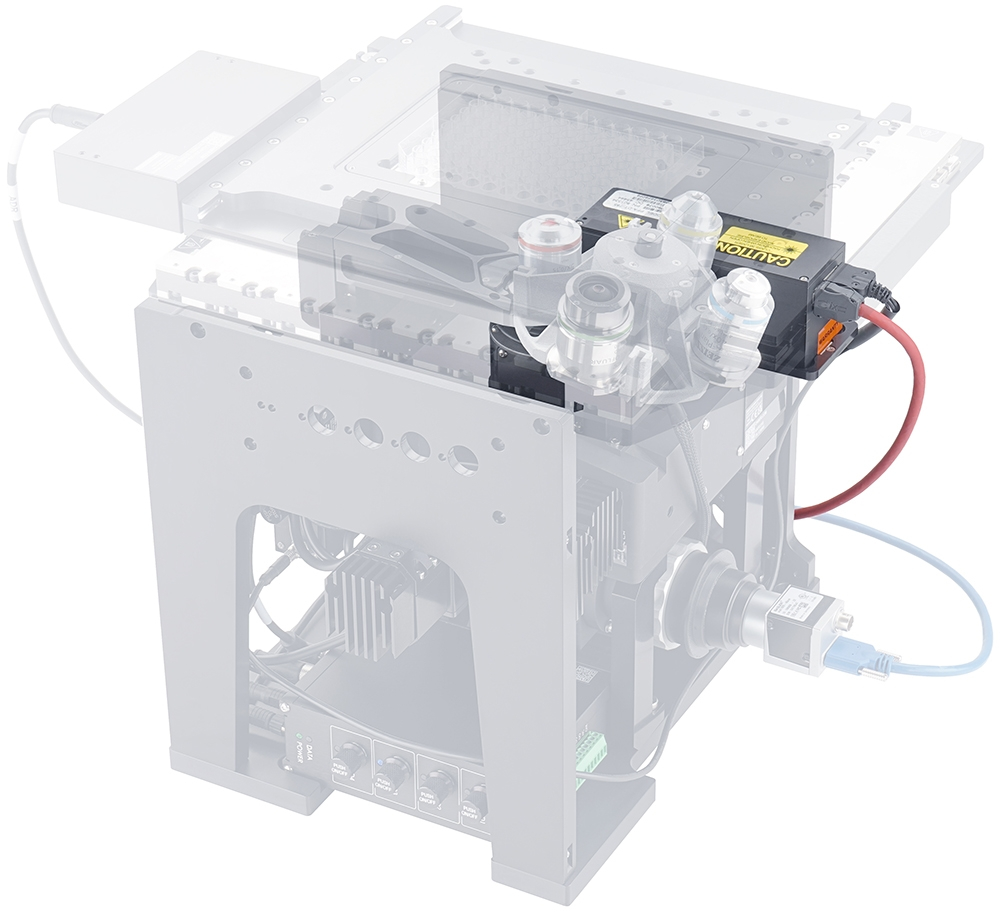
Representative Image
- Maximize throughput with fast, reliable autofocus
- Focus hold mode for long duration imaging and XY scanning.
- Unrestricted objective selection with full compatibility for Nikon, Zeiss, Olympus and Edmund Optics objectives
- Simple and intuitive control through the free Zaber Launcher software, and Zaber Motion Library API .