
Microscope Illuminator
 Source Code
By Stefan Martin
Published on Jun. 07, 2023
This example script demonstrates how to switch between different LED channels and change the illuminator intensity, using the X-LCA4 lighting controller and MLR3 illuminaor for multi-channel imaging of flourescent targets using multiple fluorophores.
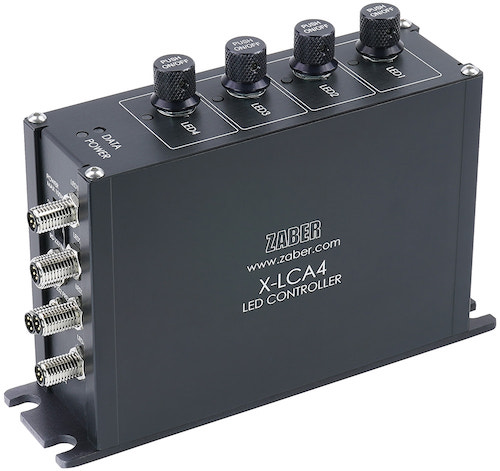
Hardware
This script is intended for use with the following hardware:
Dependencies
The script uses the following package:
Configuration
Edit the following constants in the script to fit your setup before running the script:
SERIAL_PORT: the serial port that your device is connected to.
For more information on how to identify the serial port,
see Find the right serial port name.
Use
set_intensity(Axis, percent): Set the intensity by a percentage or (optionally) using a particular luminous flux in watts.pulse_channel(Axis, duration): Turn on the channel for a given time in milliseconds. Returns once the duration is over, but this wait can be removed if you'd prefer to use a signal from the camera.
Multi-Dimensional Acquisition
This script can be combined with other example scripts to automate complex multi-dimensional imaging processes: