
(Legacy) X-MCB1 Series
Stepper motor controllers
About This Series
The X-MCB1 stepper motor controller is designed with powerful, yet easy-to-use features. It can drive any bipolar stepper motor or actuator up to 1.41 Arms (2.0 A peak) per phase with high resolution. Microstepping resolution of the drive can be set at any value between 1 and 256 microsteps per step, allowing easy customization and fine resolution movement. The controller also includes isolated digital inputs and outputs, as well as analog inputs for interfacing with external systems.
An event-driven trigger system allows the device to be programmed for stand-alone operation based on I/O, time, or movement stimuli. An intuitive ASCII interface allows the user to easily communicate with the device through Zaber Launcher (our free software), as well as third-party terminal programs. When daisy-chained with several units, the X-MCB1 can also share a single power supply with multiple X-Series products.
Click here to see the list of devices the X-MCB1 can control.
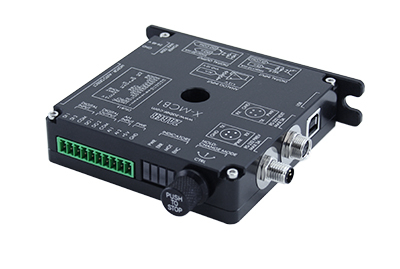
- Intelligent stepper motor drivers with chopper drive circuitry and advanced motion algorithms.
- Connect to and control any bipolar stepper motors or actuators with up to 1.41 Arms (2.0 A peak) per phase.
- Compatible Zaber -TxxA peripherals are automatically detected and configured for use.
- 2 opto-isolated digital inputs and 2 opto-isolated digital outputs.
- 2 analog inputs.
- +5 V 160 mA power output to support simple I/O applications.
- LEDs indicate the operational status of the controller and motor.
- An indexed knob provides convenient manual control.
- Programmable triggers based on time, distance, settings or inputs for stand-alone operation.
- Multiple mounting options for attaching controller to panel, optical breadboard, or electronic cabinet.
- Multiple units can be daisy-chained and controlled via serial port. Power can also be shared in the chain.
- Integrated USB 2.0.
Easy Set-Up
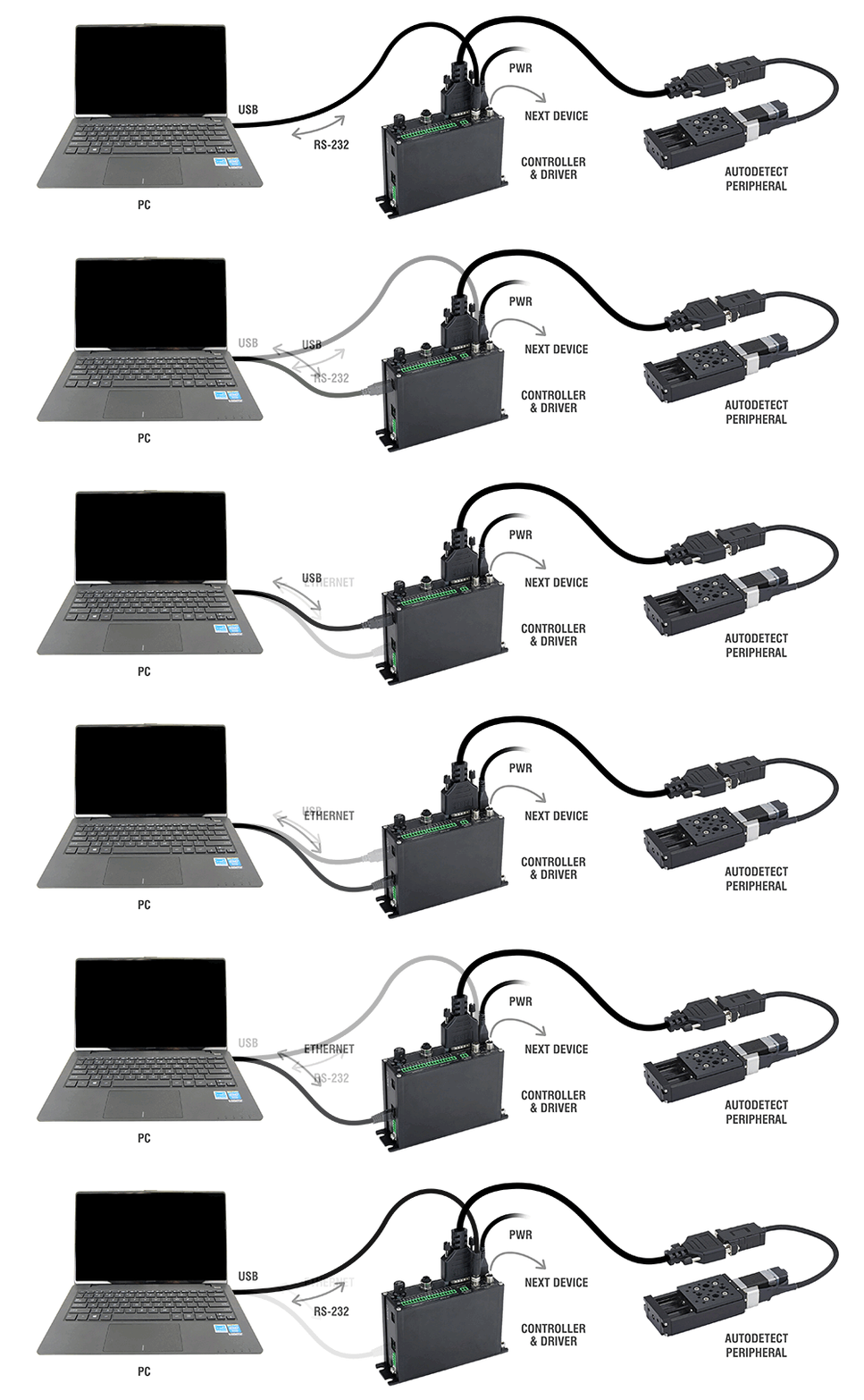
For more details on daisy-chaining, read our technical article, "Daisy-chaining Data and Power to Reduce Cabling", or to determine which accessories you need for your system, try our Connection Guide Tool.
For additional information about setting up our devices, please visit our Support page, which includes our Getting Started Guide, Troubleshooting Guides, product user manuals, and other resources.